TEMPLATE CENTER
Create or upload a template.
Start from a photo with Beadia’s generator, or upload your own finished PDF template for the community.
 01
01
GENERATE
Create a new template
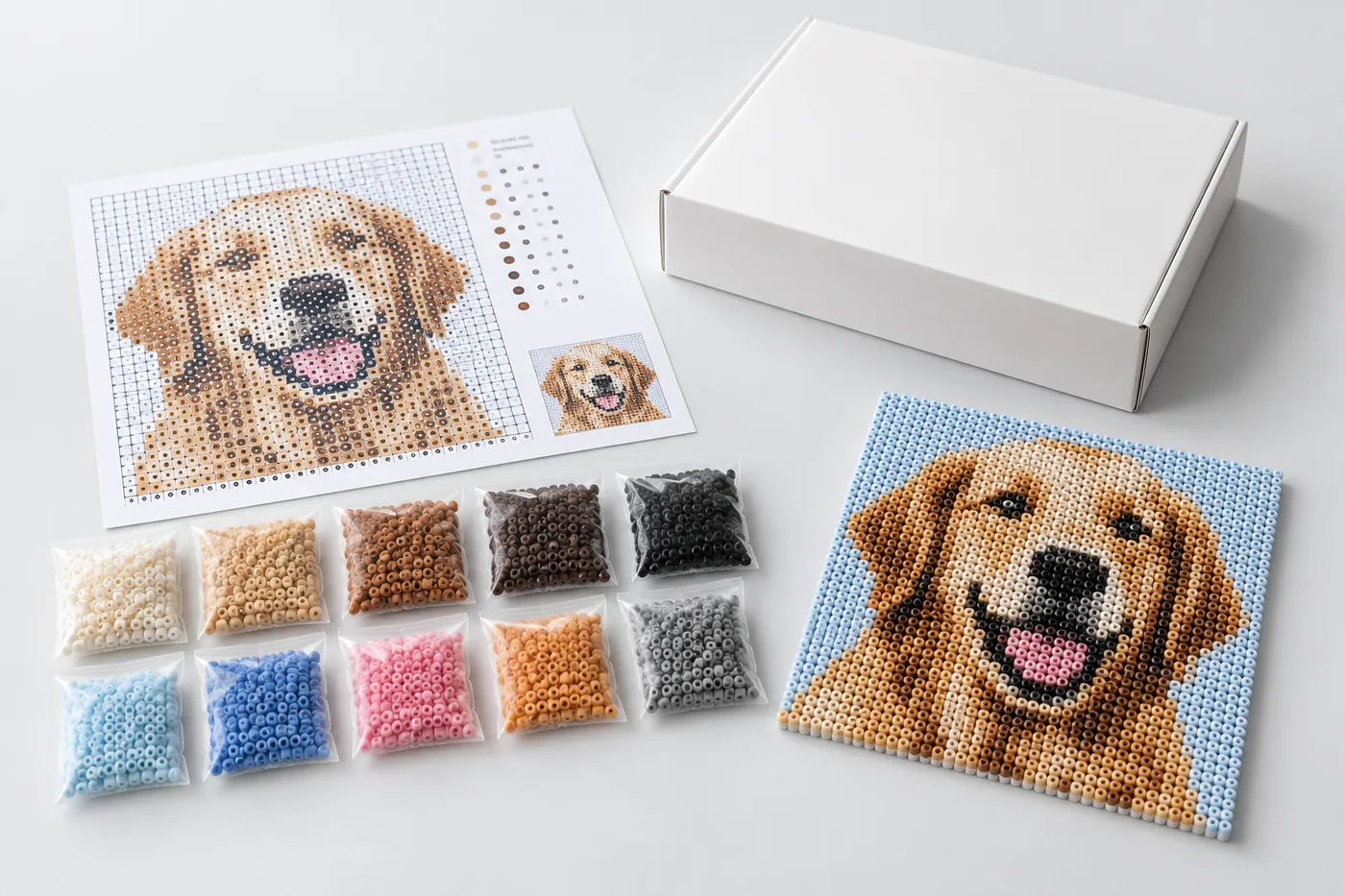
Upload a photo, crop it, use cutout tools, and generate a bead pattern with materials.
Create template → 02
02
UPLOAD
Upload a PDF template
Upload your template cover image and the finished downloadable PDF template.
Upload template →